
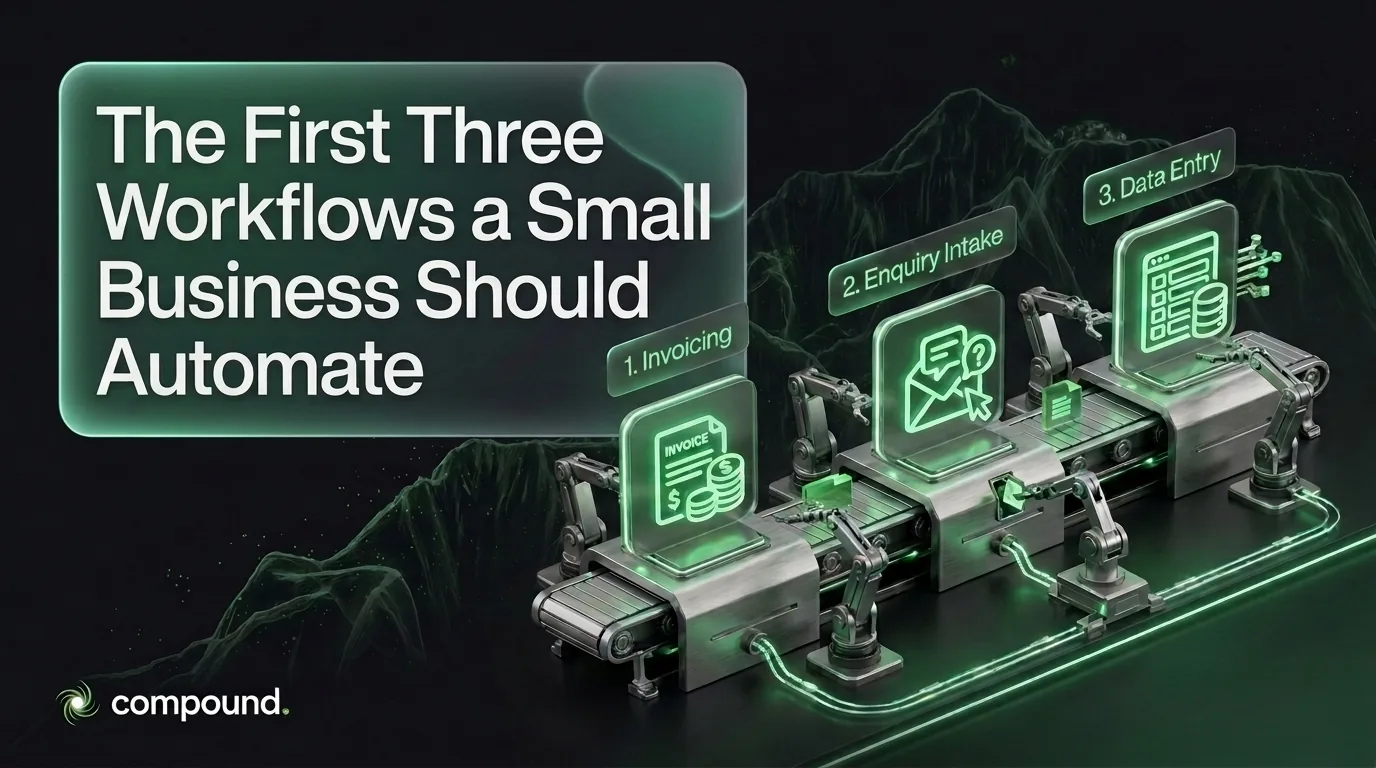
Automate invoicing and payment follow-up first, enquiry intake second, and recurring data entry between your systems third. That order is deliberate: the first protects cash, the second protects revenue you have already earned the right to win, and the third buys back hours. Australian small businesses wait an average of 24.1 days to be paid after issuing an invoice, which is why the money workflow goes first.
Most automation projects fail on sequencing rather than technology. A business automates the interesting problem instead of the expensive one, sees no change in the bank balance, and concludes automation does not work for a business its size.
Which Workflow Should You Automate First?
Invoicing and payment follow-up, because it is the only one of the three that changes your bank balance directly. The work is issuing the invoice the moment a job is complete, then chasing it on a fixed schedule without anyone remembering to. Every day an invoice sits unissued or unchased is a day of your money funding someone else’s business, and the delay compounds across every open invoice at once.
The size of that gap is measurable rather than anecdotal. According to Xero’s Small Business Insights programme, which tracks late payments and time to be paid among Australian small businesses:
“The average length of time small businesses waited to be paid, after issuing an invoice, was 24.1 days”
Xero Small Business Insights, Australia, published 30 April 2026
On top of that wait, small businesses were paid on average 6.9 days late in the March quarter (Xero). Those two numbers are the argument. An automation that issues invoices same-day and sends a polite reminder at day 7, 14 and 21 does not need to be clever. It needs to run without fail. Shaving even a few days off that cycle across every invoice is a working-capital gain you can measure in a bank statement rather than a dashboard.
What Is the Second Workflow Worth Automating?
Enquiry intake: capturing every new enquiry, acknowledging it immediately, and routing it to whoever will actually respond. A missed or slowly-answered enquiry costs you a job you had already paid to win through advertising, referral or search. Unlike invoicing, the loss here is invisible: nobody files a complaint about the quote they never received, so the problem never appears in your numbers.
The automation itself is unglamorous. An enquiry from any channel lands in one place, the sender gets an immediate acknowledgement setting an honest expectation of when they will hear back, and an owner is assigned before it can go quiet. What makes this pay is that it removes the dependency on someone being at a desk. The follow-up quality still comes from a person. The automation only guarantees the person gets the chance. We covered the same boundary in where a reasoning layer genuinely earns its cost: routing and acknowledging is rules work, while judging what an ambiguous enquiry is actually asking for is not.
What Is the Third Workflow to Automate?
Recurring data entry between the systems you already run: quote to job, job to invoice, invoice to accounting. This is where the hours hide. It is also the workflow most businesses attempt first, because it is the most visibly tedious, and the one most likely to disappoint when it is attempted before the other two.
The reason for putting it third is that it depends on the cleanest inputs. Moving records between systems only works when those records are consistent, and this is the failure mode that industry reporting keeps identifying: poor data quality is the primary obstacle to scaling agentic automation (Naviant). Automating a transfer between two systems whose records disagree does not fix the disagreement. It propagates it faster and in more places. Tidy the data, then move it.
A practical note on tooling: this layer should stay deterministic. In the way we build automations, a rules engine such as n8n does the moving, because the same input must produce the same output every time. Reserve any reasoning step for the one place where the input genuinely varies (reading an unstructured supplier email, for instance), and keep it out of the path where a predictable rule already works.
How Do You Know an Automation Actually Paid Off?
Write down the number before you build. Count the hours the workflow consumes in a normal week, or the dollars it costs in wages and delay, and record it somewhere you will find again. Without that baseline, every automation feels successful afterwards, because the old cost has become invisible and nobody is measuring the new one.
Six months later the comparison should be boringly concrete: invoices issued the same day rather than the following week, enquiries acknowledged in minutes rather than the next morning, hours of data entry returned to billable work. If the number has not moved, the automation was aimed at the wrong step, and that is worth knowing early rather than defending indefinitely. Done in this order, the three build on each other: cash arrives sooner, fewer jobs leak away, and the hours freed by the third are worth more because the first two already fixed what they were funding.
If you are deciding which of these to start with, the useful first step is putting a number against each one in your own business. Have a conversation about it before any tooling is chosen, or look at what an automation build involves to understand scope and timeline.
Frequently asked questions
Which workflow should a small business automate first?
Invoicing and payment follow-up, because it is the only workflow that directly affects cash in the bank. Australian small businesses wait an average of 24.1 days to be paid after issuing an invoice, and are paid on average 6.9 days late on top of that. Automating same-day invoicing and a fixed reminder schedule shortens that cycle across every open invoice simultaneously, which shows up as a working-capital gain rather than a productivity claim.
Why should data entry be automated third rather than first?
Because moving records between systems depends on those records being consistent, and most businesses discover their data disagrees only once they try to move it. Poor data quality is widely reported as the primary obstacle to scaling automation. Automating a transfer between two systems whose records conflict propagates the conflict faster rather than resolving it, so tidying the data first makes the automation worth building.
Should small business automations use AI?
Only where the input genuinely varies. Invoicing schedules, enquiry routing and record transfers are rules work: the same input should produce the same output every time, which makes deterministic automation cheaper, faster and more predictable. Reserve a reasoning step for genuinely ambiguous inputs, such as interpreting an unstructured email, and keep it out of paths where a fixed rule already does the job reliably.
How do you measure whether an automation was worth it?
Record the baseline before building: the hours the workflow consumes in a normal week, or the wages and delay it costs. Six months later, compare concrete outcomes such as time from job completion to invoice issued, time from enquiry to acknowledgement, and hours of manual data entry remaining. Without a baseline recorded in advance, every automation appears successful afterwards because the original cost is no longer visible.
Read more


Let's compound
Tell us where growth stalls.
One team that connects your website, marketing and operations, so the results compound. Pick whichever way is easiest to start.
Australian-based · Founder on every project